How to Order Custom Jerseys for an Entire Team: Step-by-Step Guide
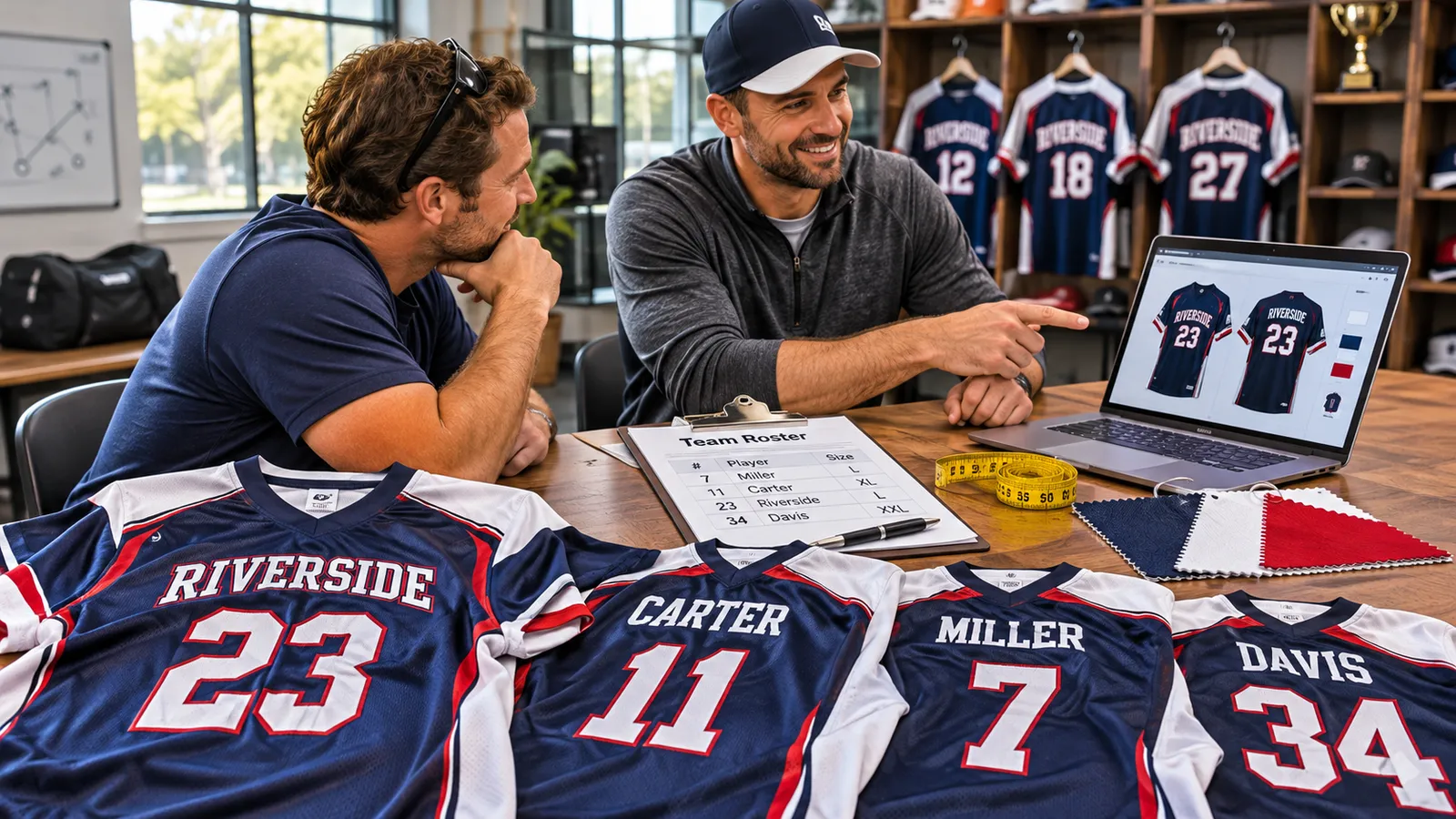
Ordering one jersey is easy. Ordering fifteen, each with a different name, number and size, is where things go wrong. A misspelled name, two players claiming #23, or a youth medium that should have been an adult small can turn a team order into a reorder.
This guide shows you how to order jerseys for a team from start to finish: picking a style, building a roster sheet, collecting sizes, preparing your logo, approving a mockup and placing one clean order. You'll also get a copy-ready roster template, a deadline planner and the mistakes that cause most team reorders.
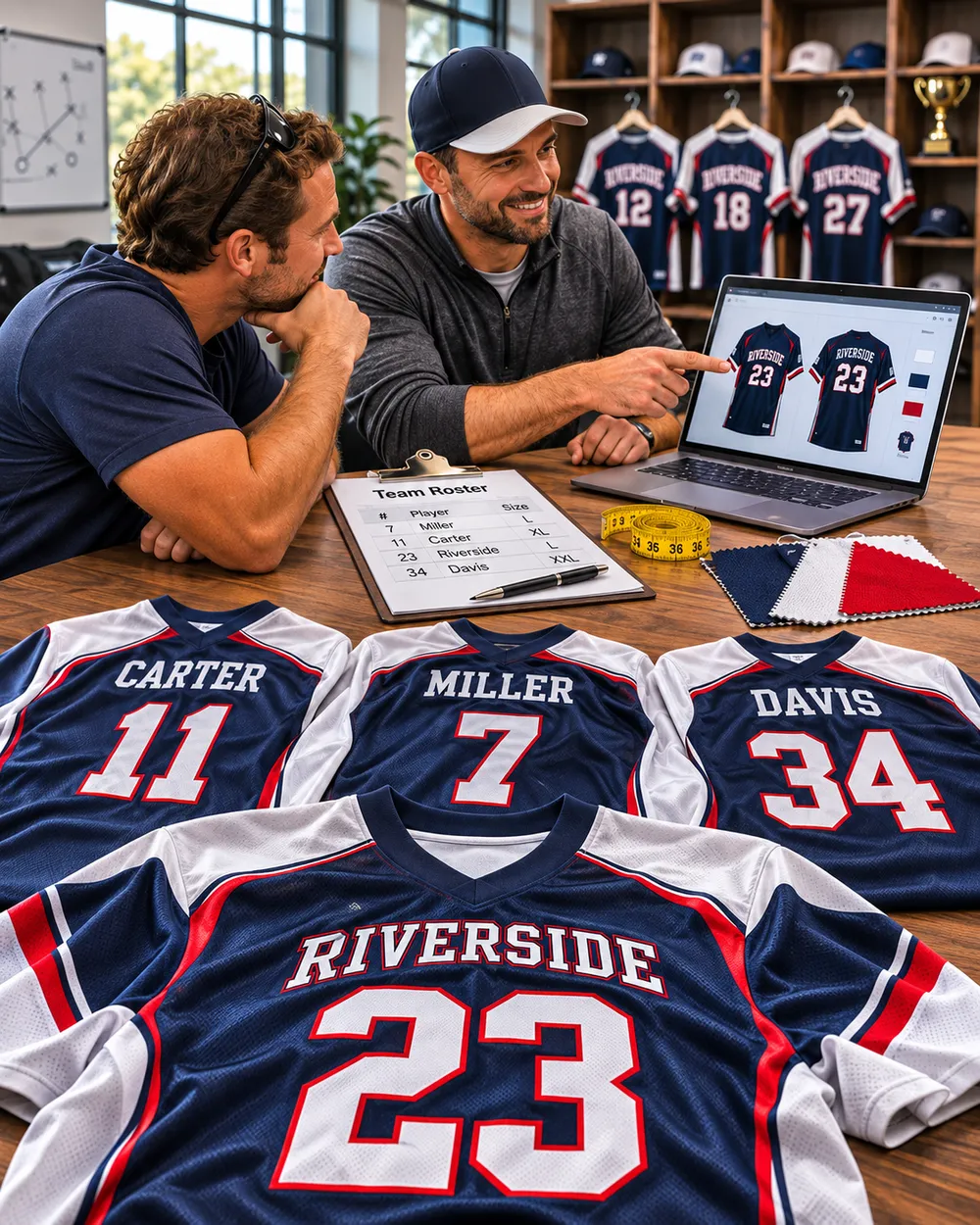
The Short Answer: How to Order Jerseys for a Team
If you only read one section, read this one. The team ordering process comes down to eight steps:
- Set your deadline and budget, then count backward.
- Choose one jersey style for the whole team.
- Create a roster sheet with name, number and size for every player.
- Collect sizes using the product's size chart, not T-shirt sizes or age.
- Prepare your logo file (vector if you have it).
- Lock the roster and double-check every line.
- Request and approve a mockup proof before anything is printed.
- Place one combined order so the whole team qualifies for the best quantity price.
The rest of this guide walks through each step, with the details that make the difference.
Before You Start: Who Owns the Order?
Pick one person to run the order. Usually that's the coach, team manager or a team parent. That person collects every name, number and size, talks to the supplier and approves the proof.
When three people are each "helping," you get duplicate numbers, missing sizes and conflicting design opinions. One owner with one spreadsheet avoids most of that.
Step 1: Set Your Deadline and Work Backward
Most teams start with the design. Start with the date instead. Your need-by date (first game, tournament, team photo day) decides when you have to order.
Custom jerseys are made to order, so you need to allow for proofing, production and shipping. Here's how that looks using Mowment's published timeline:
| Stage | Time to allow | Notes |
|---|---|---|
| Collect roster & sizes | About 1 week (your side) | Give players a firm due date |
| Mockup proof (optional) | 24–48 hours | Requested in the Order note box at checkout |
| Your review & approval | 1–3 days (your side) | Processing starts from your approval date |
| Processing / production | 5–10 business days | Very large orders may add a few days |
| Shipping | 7–10 business days | Free on US orders over $120 |
What that adds up to: Once your proof is approved, production plus shipping is roughly 12–20 business days. Add roster collection and proof review, and a practical rule is to place your order at least 5–6 weeks before you need the jerseys. That leaves room for a late player or a design tweak without panic.
Planning tip: Put the need-by date in the "Need it by" field when you request a team quote. The team can confirm the timeline before you commit.
Step 2: Choose One Jersey Style for the Whole Team
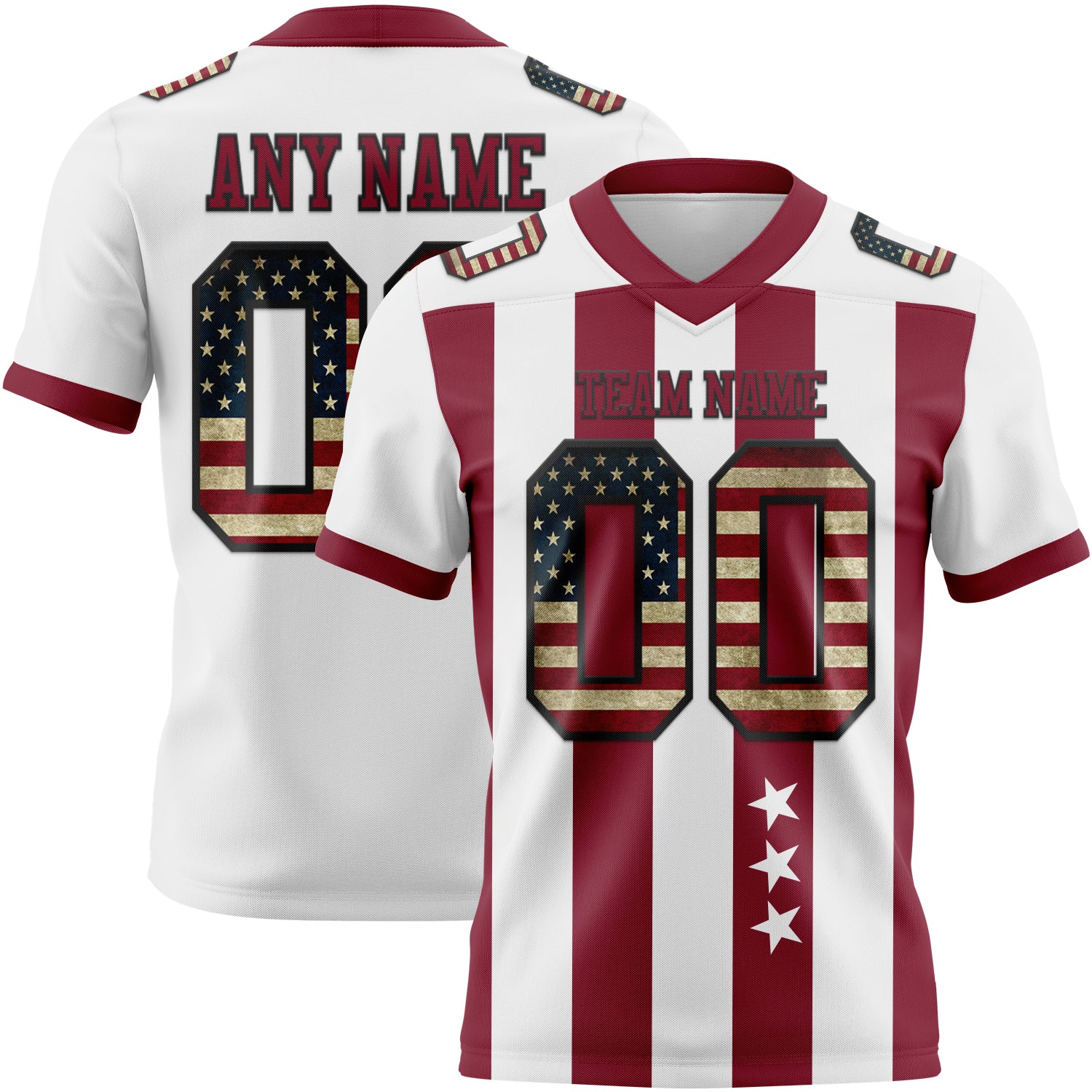
Choose your sport and base design first, then customize it. For a team order, keep one style across the roster so everyone matches on the field and in photos.
Things to decide now:
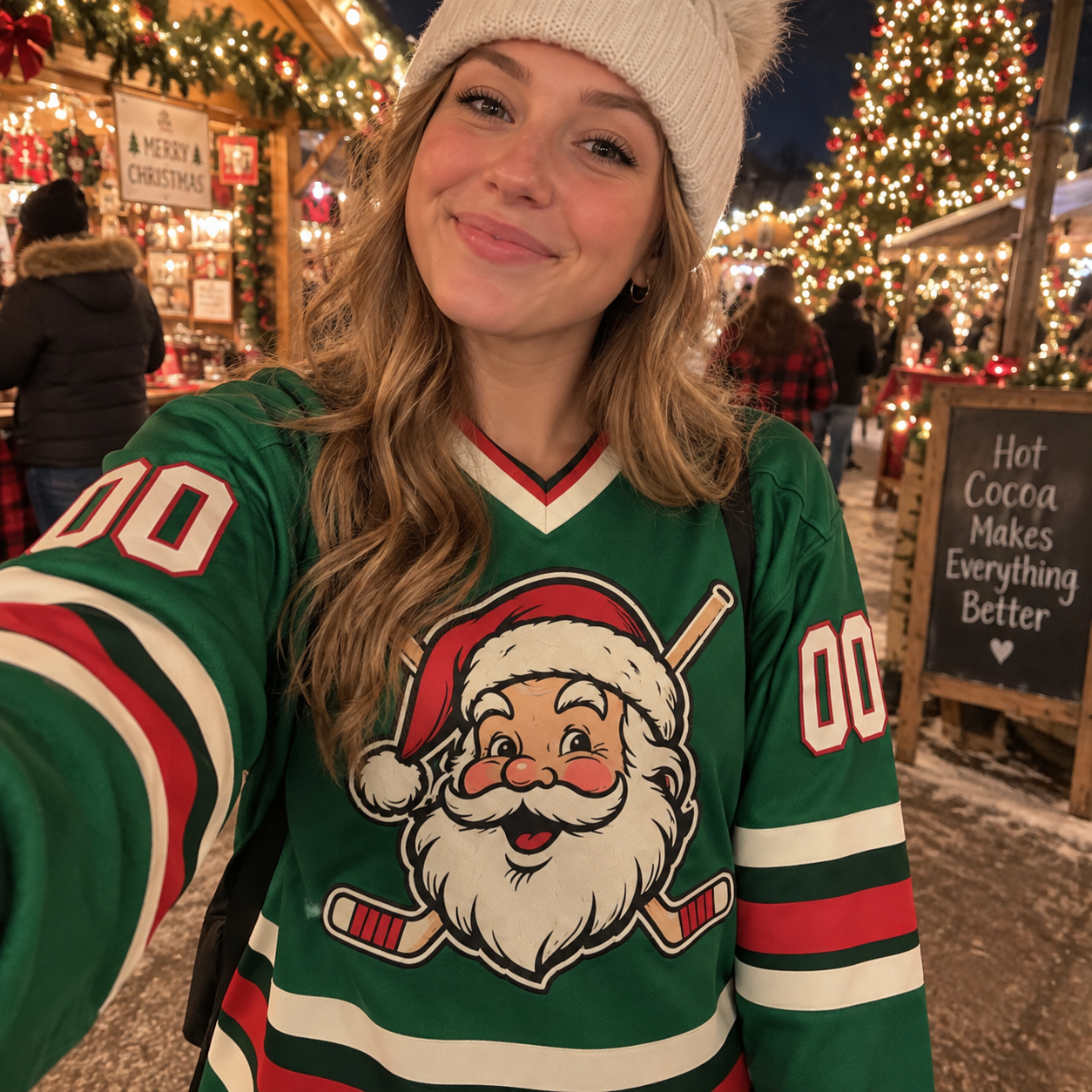
- Sport and cut. Baseball and softball jerseys are typically button-front; basketball is sleeveless; hockey is a roomier long-sleeve cut. Browse by sport: football, basketball, baseball, soccer, hockey and softball.
- Team colors. Two or three main colors usually read best. Make sure numbers contrast strongly with the jersey body.
- Home and away. If your league requires two colors, plan a light and a dark version of the same design.
- League rules. Some leagues set requirements for jersey colors or number size. Check your league's uniform rules before you finalize the design.
Need help with colors, fonts or print methods? Our custom jersey design guide covers those choices in detail.
Step 3: Build a Team Roster Sheet
A roster sheet is the single most useful thing you can prepare. It turns a messy group chat into one clean list you can send to the supplier.
Copy-ready team jersey roster template
| # | Player name (as printed) | Jersey number | Fit (Men's / Women's / Youth) | Size | Notes |
|---|---|---|---|---|---|
| 1 | MARTINEZ | 7 | Men's | L | |
| 2 | O'BRIEN | 12 | Women's | M | Apostrophe confirmed |
| 3 | NGUYEN | 23 | Youth | YL | |
| 4 | — (blank) | 0 | Men's | 2XL | No name on back |
| 5 | Coach | — | Men's | XL | No number |
Put this in a shared Google Sheet or Excel file and add one row per player.
Roster rules that prevent mistakes
- Write names exactly as they should print. Decide on capitalization, nicknames, hyphens and apostrophes up front. The jersey prints what you submit.
- Assign numbers before collecting sizes. Duplicate numbers are easier to sort out early than after the proof.
- Use "blank" on purpose. If a player wants no name or no number, write that clearly instead of leaving the cell empty.
- Add coaches and extras. Coaches, team managers and a spare jersey or two are easy to forget.
- Set a due date. "Sizes due Friday at 8 p.m." works better than "send me your size when you can."
Step 4: Collect Sizes the Right Way
Fit is the most common reason team jerseys get reordered. Printing problems are rarer than sizing problems.
How to collect sizes that actually fit:
- Use the size chart for the exact style you chose. Every Mowment product page has a size guide, and you can ask for the chart for your chosen style before collecting sizes. Different styles and cuts can fit differently.
- Choose the fit category first, then the size. Men's, women's, youth and kids' fits are scaled differently. A youth large is not the same as an adult small.
- Measure, don't guess. Ask players (or parents) to compare the chart against a jersey or shirt that already fits well. Don't size by age or by T-shirt size.
- Ask about a sizing kit for bigger orders. For a large roster, Mowment can provide a physical sizing kit so players can try sizes before you order.
- Mix sizes freely. Every jersey in a team order can be a different size and fit.
Mowment offers men's, women's, youth and kids' fits across most styles, generally S through 5XL depending on the style. Available sizes are listed on each product page. For measuring tips, see our custom jersey size chart guide.
Step 5: Prepare Your Team Logo
If your design includes a team or sponsor logo, the file quality decides how sharp it looks on fabric.
| File type | Good for printing? | What to do |
|---|---|---|
| AI, EPS, PDF or SVG (vector) | Best | Send as-is |
| Large PNG, transparent background | Usually fine | Ideally 1000px or wider on the shortest side |
| Small JPG or a screenshot from social media | Risky | Ask your designer or league for the original file |
Two other things to check:
- Make sure you have the right to use the logo. Your own team or club logo is fine. Licensed pro, college or national-team marks can't be reproduced without documented authorization. A jersey inspired by those colors, in your own design, is fine.
- Confirm sponsor logos with the sponsor. Ask them for their preferred file and colors before the proof stage.
Step 6: Lock the Roster Before You Order
This is the step teams skip, and it causes the most expensive mistakes. Before you place the order:
- ☐ Every player has a name (or "blank"), number and size
- ☐ No duplicate numbers
- ☐ Spelling checked by the player or a parent, not just the organizer
- ☐ Fit category (men's, women's, youth) confirmed for each player
- ☐ Coaches and spares included
- ☐ Logo file ready
- ☐ Need-by date confirmed
A jersey printed with a player's name can't easily be reassigned if that player leaves. Order after sign-ups close, not before.
Step 7: Request and Approve a Mockup Proof
A mockup is a visual proof of your design before production starts. For a team order, it's the best way to catch errors in colors, layout or logo placement.
How it works at Mowment:
- Ask for a free mockup in the Order note box at checkout.
- You'll receive the proof within 24–48 hours.
- Nothing is printed until you approve it.
- Processing time is counted from your approval date.
- If you don't request a proof, production starts as soon as your design is prepared. That's faster, but you won't see it first.
What to check on the proof
- Team name spelled correctly
- Colors look right (screens and fabric render color slightly differently, so expect close rather than identical)
- Logo is sharp and in the right place
- Sample name and number are easy to read from a distance
- Front and back layout match what you expected
One proof confirms the design for the whole team. Then cross-check your roster sheet line by line before you approve.
Planning a team order? Get a quote with your timeline.
Send your sport, quantity and need-by date, and Mowment will reply with pricing, your discount code and a timeline, usually within one business day.
Step 8: Place One Combined Team Order
Once your roster is locked and the proof is approved, place the order in one go.
Why one order is better than several small ones: Mowment's team pricing is tiered by quantity:
| Pieces in the order | Team discount |
|---|---|
| 2+ | 5% off |
| 5+ | 10% off |
| 10+ | 15% off |
| 50+ | Custom quote |
Splitting a 12-player roster into two orders of 6 drops you from 15% to 10% off. Request a quote through the bulk & team orders page and you'll get a discount code to enter at checkout. More detail is in our bulk team jersey discounts guide.
A few other things that help on a team order:
- No setup fees and no per-name charges. Names and numbers are included in the listed price. Optional add-ons such as a logo or stitched lettering are priced per jersey and shown before checkout.
- Delivery in one shipment. Team orders are delivered in one consignment, and jerseys can be bagged per player if you ask. That makes handing them out at practice much easier.
- Save your order number. You'll need it for reorders.
What If Someone Joins Mid-Season?
This is where minimum order quantities usually hurt small teams. Many suppliers require a dozen or more pieces per order, which makes a single replacement jersey expensive or impossible.
Mowment has no minimum order, so you can order one jersey for a new player. Approved designs are kept on file. Quote your original order number, and the new jersey is made to match the first batch. See custom team jerseys with no minimum order for how small top-up orders work.
7 Common Team Jersey Ordering Mistakes (and How to Avoid Them)
| Mistake | What happens | How to avoid it |
|---|---|---|
| Ordering before the roster is final | Jerseys printed for players who leave | Order after sign-ups close |
| Sizing by age or T-shirt size | Jerseys don't fit, reorders needed | Use the style's size chart and measure |
| Mixing up youth and adult sizes | A "youth L" arrives for an adult player | Record fit category in its own column |
| Duplicate numbers | Two players wear the same number | Assign numbers before collecting sizes |
| Typos in names | Misspelled names print exactly as submitted | Have each player confirm their own line |
| Low-resolution logo | Blurry or pixelated print | Send vector or a large transparent PNG |
| Leaving it too late | Jerseys arrive after the first game | Order 5–6 weeks before your need-by date |
FAQ
How far in advance should I order team jerseys?
Plan for about 5–6 weeks before you need them. Mowment's processing time is 5–10 business days plus 7–10 business days shipping. If you request a mockup, processing starts after you approve it, so add proof time too.
Is there a minimum order for custom team jerseys?
Not at Mowment. You can order one jersey or a full roster. Team discounts start at 2 pieces.
Can each player have a different size and fit?
Yes. Each jersey in a team order can have its own size and fit (men's, women's, youth or kids'), plus its own name and number.
Do names and numbers cost extra?
No. Names and numbers are included in the listed price, with no setup or per-name fees. Optional add-ons such as a logo or stitched lettering are priced per jersey.
Can I cancel or change a team order after it's placed?
If you requested a mockup, you can cancel free of charge any time before you approve it. Without a proof request, free cancellation is available within 24 hours of ordering. After that, the order is in production. See the cancellation policy for details.
How do I order a matching jersey for a new player later?
Place a new order and quote your original order number. Mowment keeps approved designs on file so the new jersey matches your team's.
Ready to Order Jerseys for Your Team?
You now have the full team jersey ordering process: deadline, style, roster, sizes, logo, proof and one combined order. The teams that get it right on the first try are the ones that lock the roster and check the proof before production.
Get a Quote for Your Team
Share your sport, quantity and need-by date. You'll get pricing, your team discount code and a timeline, with a free mockup available on request and no minimum order.Still choosing a style? Browse custom jerseys by sport →